
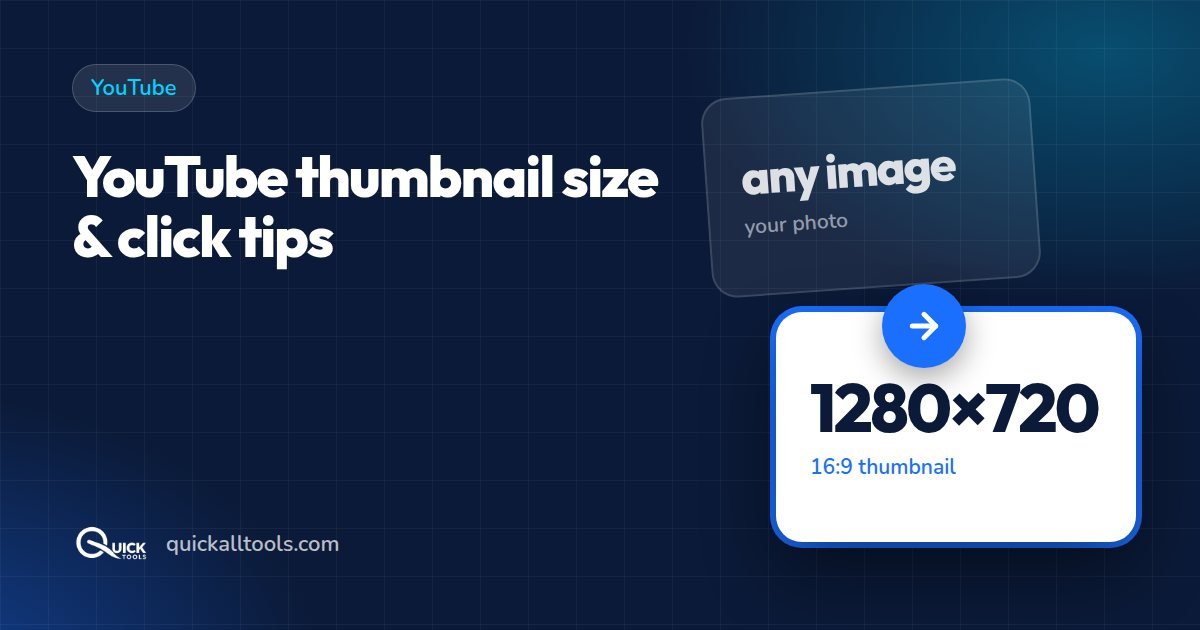
Your thumbnail and title decide whether someone clicks your video. Get the size wrong and YouTube adds black bars or crops your text. Here's everything you need.
YouTube thumbnail rules
| Setting | Requirement |
|---|---|
| Size | 1280 × 720 pixels (minimum width 640 px) |
| Aspect ratio | 16:9 |
| File size | Under 2 MB |
| Formats | JPG, PNG or GIF (non-animated) |
Custom thumbnails need a verified channel. If you don't see the upload option in YouTube Studio, verify your phone number first.
Resize any image to 1280 × 720
- Open the Social Media Image Resizer and drop your image.
- Choose YouTube → Thumbnail.
- Drag to frame your face or subject. If your picture is tall, use Fit + blur so nothing gets cut.
- Download as JPG — it stays well under 2 MB.
Need a Shorts cover or channel banner too? Press Download all YouTube sizes to get them in one ZIP.
Design habits that increase clicks
- One clear subject. A face with a strong expression works better than a busy scene.
- Three to five words, huge. Thumbnails are viewed tiny on phones. If you can't read it at the size of a stamp, it's too small.
- High contrast. Bright subject on a dark or plain background. Cut yourself out with the background remover and place yourself on a bold colour.
- Avoid the bottom-right corner — the video length covers it.
- Stay consistent — similar colours and fonts help regular viewers recognise your videos.
- Don't mislead. Clickbait that doesn't match the video hurts watch time.
Quick workflow
- Take a sharp photo with a clear expression.
- Remove the background and choose a solid colour.
- Resize to 1280 × 720 in the resizer.
- Add a short text line with the text watermark tool (big size, full opacity).
- If the file is still over 2 MB, run it through the image compressor.
For every other network, see our social media image sizes cheat sheet.
🛠️ Try Quick Tools Free
All our image tools are 100% free — no upload, no account, no limits. Works in your browser.
Browse All Free Tools →