
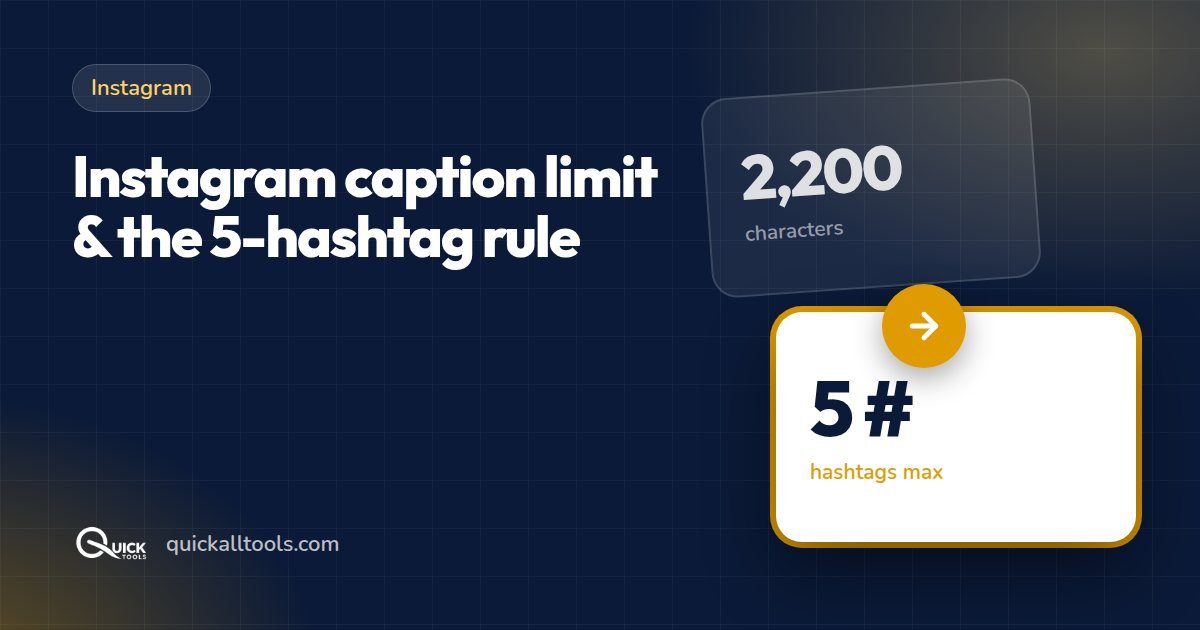
Instagram lets you write a long caption, but only the first line or two show before "… more". Here are the real limits and how to use them well.
Character limits by platform
| Platform | Limit | Shown before "more" |
|---|---|---|
| Instagram caption | 2,200 characters | About 125 characters |
| Instagram bio | 150 characters | All |
| X (Twitter) post | 280 characters (free accounts) | All |
| LinkedIn post | 3,000 characters | About 210 characters |
| Facebook post | 63,206 characters | About 480 characters |
| YouTube title | 100 characters | About 70 in search |
| YouTube description | 5,000 characters | About 150 |
Paste your caption into the Word Counter to see the exact character count, including spaces and emojis, before you post.
How many hashtags should you use?
Since December 2025, Instagram allows a maximum of 5 hashtags per post or Reel (it used to be 30). Any extra tags are ignored, and tags in the first comment count towards the same five. So every slot matters:
- 1 broad tag (e.g.
#travel) - 3 specific tags (e.g.
#uttarakhandtravel,#rishikesh) - 1 branded or community tag
Hashtags now mainly tell Instagram what your post is about. Keywords in the caption and text on the image matter just as much for search. The Hashtag Generator suggests five-tag sets by topic and platform that you can copy in one tap.
Writing captions people read
- Put the hook first. Only about 125 characters are visible, so start with the most interesting line.
- Break it into short lines. Walls of text get skipped.
- End with one clear action — ask a question, or tell people to save or share.
- Hashtags at the end keep the caption readable.
Don't forget the image
The best caption won't help a badly cropped photo. Portrait 1080 × 1350 gets the most space in the feed — make one with the social media resizer, and see all sizes in our image size cheat sheet.
🛠️ Try Quick Tools Free
All our image tools are 100% free — no upload, no account, no limits. Works in your browser.
Browse All Free Tools →