
What is HEIC?
HEIC stands for High Efficiency Image Container. It is a modern image file format adopted by Apple as the default camera format for iPhones starting with iOS 11 in 2017.
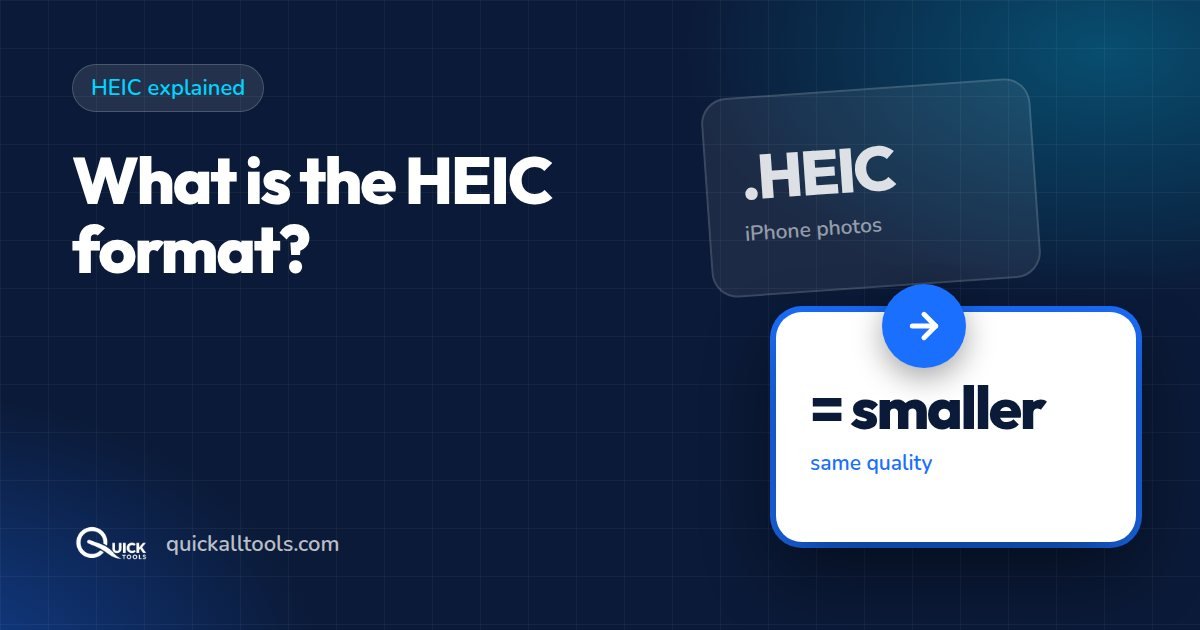
HEIC is based on the HEVC compression standard — the same technology used in 4K video streaming. This allows HEIC to store images at half the file size of JPG with the same or better visual quality.
Why Did Apple Switch to HEIC?
Apple introduced HEIC to save storage space as iPhone cameras kept improving:
- HEIC photos are approximately 50% smaller than equivalent JPG files
- Higher quality at the same file size as JPG
- Supports transparency and depth maps in one file
- Supports 16-bit color for better HDR photography
HEIC vs JPG — Key Differences
- File size: HEIC is 40-50% smaller than JPG at equal quality
- Quality: HEIC preserves more detail in highlights and shadows
- Compatibility: JPG works everywhere; HEIC has limited support
- Transparency: HEIC supports it; standard JPG does not

Why HEIC Causes Problems
Despite its advantages, HEIC has poor compatibility:
- Windows 10/11 cannot open HEIC files without a paid codec
- Android phones do not natively support HEIC
- Many older photo editing apps cannot open HEIC
- Some websites reject HEIC uploads
How to Open HEIC Files on Windows
- Option 1: Buy HEIC Image Extensions from Microsoft Store
- Option 2: Convert HEIC to JPG free using Quick Tools — no download needed
Convert HEIC to JPG Free
Convert your iPhone HEIC photos to JPG instantly. No upload, no account, 100% free.
Convert HEIC FreeHow to Stop iPhone Taking HEIC Photos
- Open Settings on your iPhone
- Tap Camera
- Tap Formats
- Select Most Compatible (saves as JPG)
Conclusion
HEIC is great for storage but causes compatibility issues. The easiest fix is converting HEIC to JPG when needed. Try our free converter at quickalltools.com — no upload, no account required.
🛠️ Try Quick Tools Free
All our image tools are 100% free — no upload, no account, no limits. Works in your browser.
Browse All Free Tools →