
Why Compress Images?
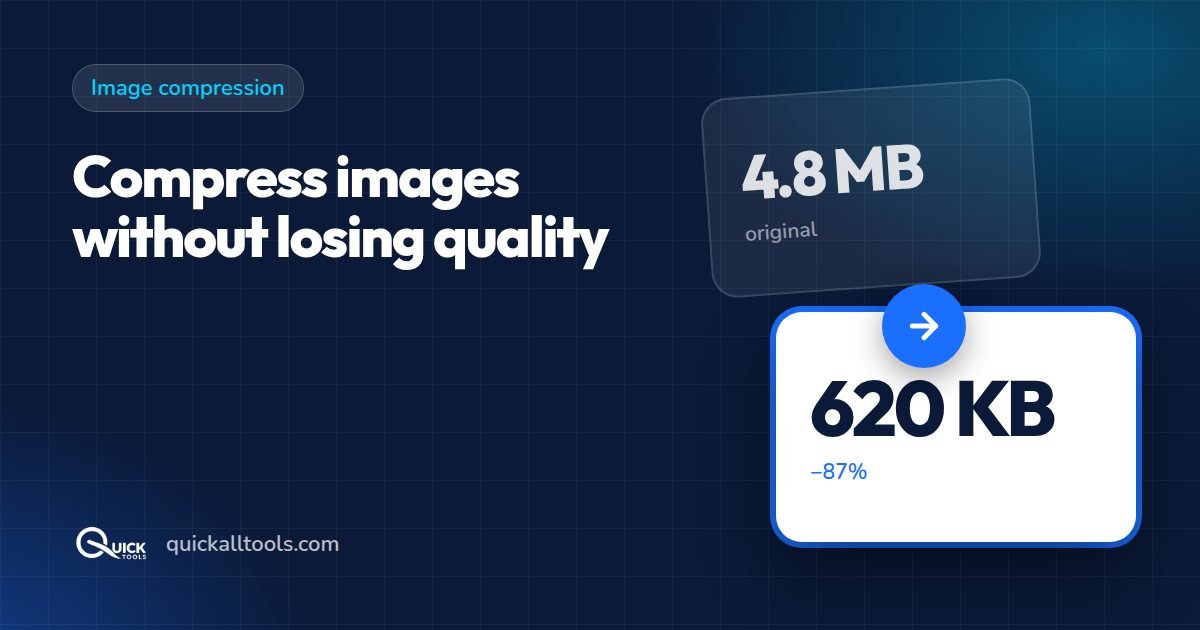
Large image files slow down your website, take up storage space, and use more mobile data. Compressing images reduces file size while keeping them visually sharp. A 5MB photo can often be reduced to under 500KB with no visible quality loss.
Whether you are a blogger, web developer, or just sending photos to family — smaller images are faster, easier to share, and take less storage.
What is Image Compression?
Image compression reduces file size by removing unnecessary data from the image file. There are two types:
- Lossy compression — slightly reduces quality but achieves much smaller file sizes. Best for JPG and WEBP.
- Lossless compression — reduces size without any quality loss. Best for PNG files.
For most web and sharing purposes, lossy compression at 75-85% quality is completely invisible to the human eye while cutting file size by 60-80%.
How to Compress Images Online Free — Step by Step
Quick Tools makes image compression instant and free. No account needed, and your files never leave your device.
Step 1: Open the Image Compressor
Go to quickalltools.com/image-compressor in any browser. Works on Windows, Mac, iPhone and Android.
Step 2: Upload Your Image
Drag and drop your JPG, PNG, or WEBP image into the tool. You can also click to browse and select your file. Multiple files are supported for bulk compression.

Step 3: Adjust Quality
Use the quality slider to control the compression level. We recommend starting at 80% — most people cannot tell the difference visually, but the file is 50-70% smaller.
Step 4: Download
Click Compress and download your compressed image instantly. The tool shows you exactly how much space you saved.
Best Image Compression Settings
- Website images: 70-80% quality — fast loading, good visual quality
- Social media: 80-85% quality — platforms compress further anyway
- Email attachments: 60-70% quality — small enough to send easily
- Print or archive: 90-95% quality — preserve maximum detail
How Much Can You Save?
- 5MB iPhone photo → 420KB (91% smaller)
- 2MB PNG screenshot → 800KB (60% smaller)
- 1MB JPG product photo → 180KB (82% smaller)
Frequently Asked Questions
Is it safe to compress images online?
With Quick Tools, yes. Your files are processed entirely in your browser — nothing is uploaded to any server. Your images stay completely private.
Can I compress multiple images at once?
Yes! Select multiple images and compress them all at once. Download them individually or as a ZIP file.
Conclusion
Compressing images online is simple, free, and takes seconds with Quick Tools. Reduce file sizes by up to 90% while keeping your photos looking great. Try it now at quickalltools.com/image-compressor.
🛠️ Try Quick Tools Free
All our image tools are 100% free — no upload, no account, no limits. Works in your browser.
Browse All Free Tools →